LESS FRICTION. MORE CARD TIME.V0.6.6
Certs, opened.
Finder, alongside.
Read PSA, TAG and CGC certs and open the official report. Keep your eBay listing on the left and Minty Finder on the right, with card photos close at hand.
Chrome extension·Made for browsing cards on eBay
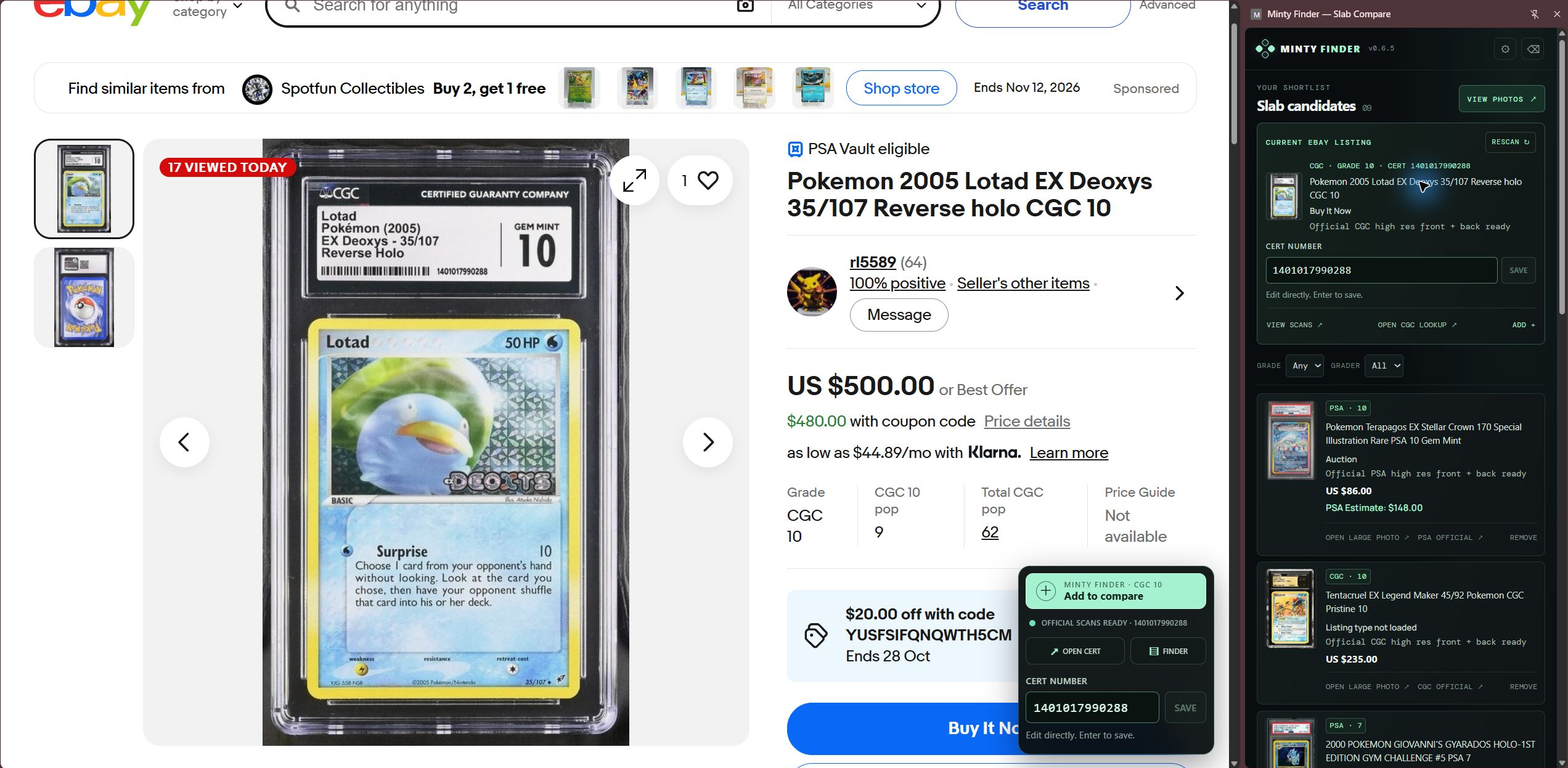
01 /OPEN REPORT, RIGHT FROM EBAY
Read the cert.
Open the report.
Minty Finder reads PSA, TAG and CGC certificate numbers while you browse. Use OPEN CERT in the floating control on the eBay listing to open the card’s official report.
Open the report directly from the eBay floating control.
The cert number stays visible and editable.
ON THE EBAY LISTING
CERT NUMBER → OPEN CERT
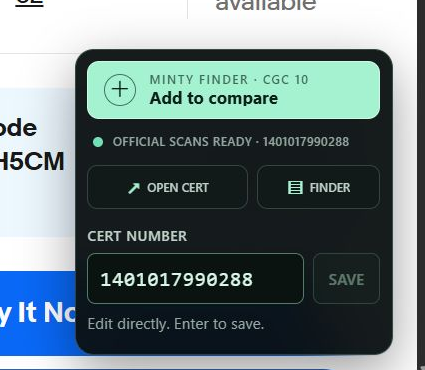
02 /YOUR LISTING, WITH FINDER BESIDE IT
eBay on the left.
Finder on the right.
Keep the listing in view while you inspect card photos in Finder. Open VIEW SCANS in the sidebar to see the front and back, with no tab switching.
SCROLL TO INSPECT THE FULL DESKTOP LAYOUT →
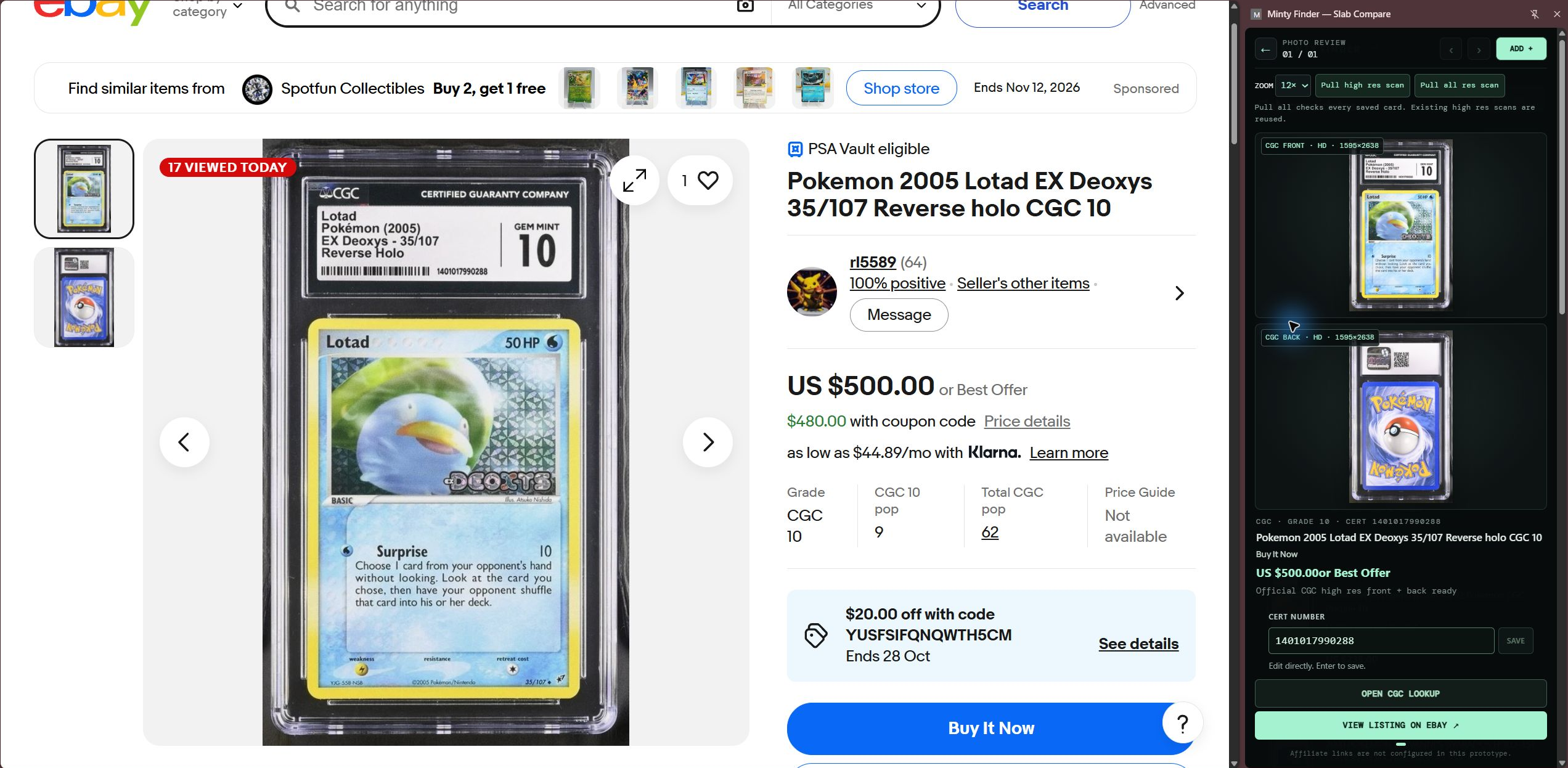
TWO THINGS. A SMOOTHER FLOW.
Open the cert.
Keep Finder beside eBay.
A little less back-and-forth. A little more time with the cards.
CHROME EXTENSION · V0.6.6